Azure App Service vs Azure Virtual Machines: Key Differences, Cost and Performance
A practical comparison of Azure App Service and Azure Virtual Machines: how they differ on management, scaling, security, cost, and performance, and when each one fits your .NET app.
Key Takeaways
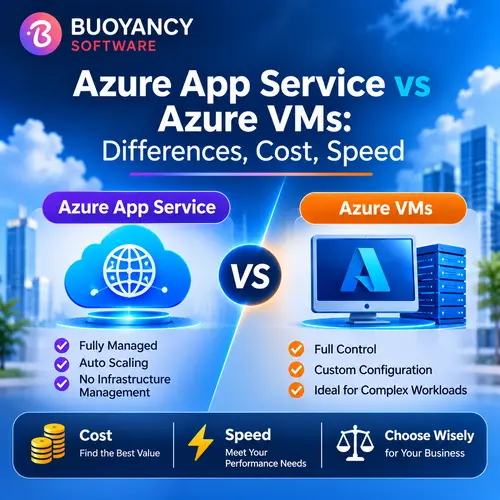
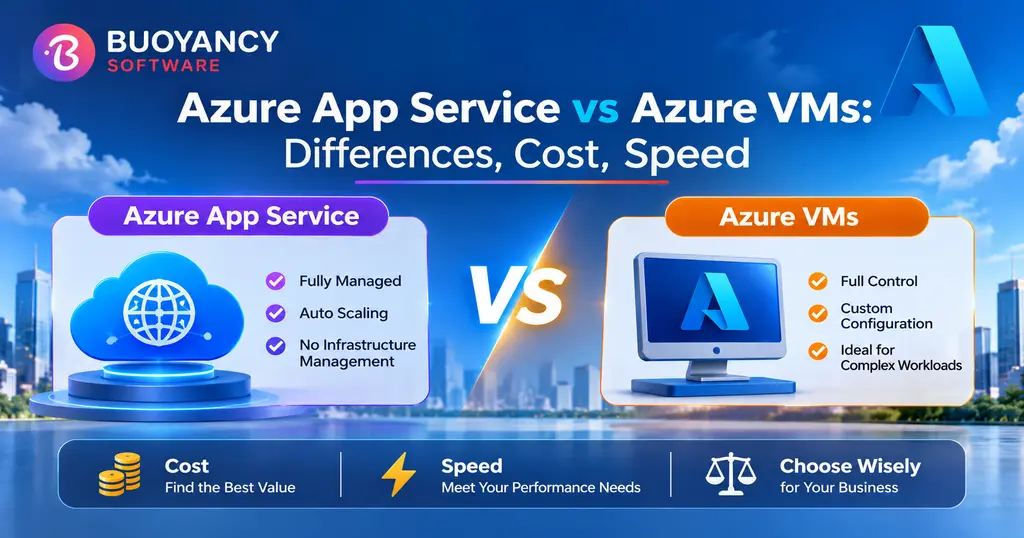
App Service is PaaS, built for web apps and APIs. Virtual Machines are IaaS, and the OS is yours to maintain.
For a typical ASP.NET Core app, App Service tends to cost less once admin time is counted.
Pick a VM when the app needs OS access, custom software, or a quick lift-and-shift.
Lots of real systems run both, side by side in one virtual network.
Ask five Azure architects whether a new web app belongs on App Service or a virtual machine and you’ll get a few different answers, but most of them start with the same question: who’s going to look after the server? Microsoft does it with App Service. You do it with a VM. That single difference drives nearly everything else you’ll weigh here, including cost, speed, and risk.
Azure PaaS vs IaaS in Plain Terms
Let’s skip the textbook definitions and think about what you actually get.
With Azure App Service, you give Azure your code (or a container) and it handles the rest: operating system, runtime updates, load balancing, and a good chunk of scaling. That’s Platform as a Service, or PaaS. With Azure Virtual Machines (VMs), you get an empty server. Windows Server or Linux, your pick. Then it’s on you to install the web server, keep the patches current, set firewall rules, and wire up monitoring. That’s Infrastructure as a Service, or IaaS.
Here’s a detail that trips people up. App Service runs on virtual machines too. Microsoft just keeps them out of sight. Every app sits inside an App Service plan, and the plan decides the VM size, the instance count, and the pricing tier. Put three apps in one plan and they share the same instances. So the real choice in Azure App Service vs VM isn’t magic versus hardware. It’s a managed layer on top of compute versus the compute itself.
Azure App ServiceBuilt-in autoscale on Standard tier and above
Azure Virtual MachinesVirtual Machine Scale Sets or manual
Billing unit
FactorBilling unit
Azure App ServiceEach instance in the App Service plan
Azure Virtual MachinesEach VM, plus disks and networking
Key Differences That Affect Day-to-Day Work
Management and maintenance
Honestly, this is the big one. A VM needs somebody to apply OS patches, update the .NET runtime, renew certificates, harden the box, and deal with a failed disk at an inconvenient hour. App Service takes most of that off the list.
You might not feel the difference on day one. You’ll feel it the week a security patch lands right before a release. Teams running a handful of VMs often find that server care quietly eats a day or two of every sprint, and nobody put it on the roadmap.
Azure App Service scalability and autoscale
App Service keeps scaling simple. Need more power? Move up a tier. Need more capacity? Add instances, manually or through autoscale rules, which start at the Standard tier. Azure Autoscale can react to metrics like CPU or follow a schedule. One catch: everything in the plan scales together, so a busy app drags its quiet neighbors along for the ride.
VMs scale just fine, but you build the machinery. The usual recipe is a Virtual Machine Scale Set behind an Azure Load Balancer or Azure Application Gateway, plus a prepared image so new instances boot ready to work. It’s flexible. It’s also a project, and projects need owners.
Deployment and CI/CD
Standard tier and up include deployment slots. You push a build to a staging slot, let it warm up, then swap it into production with little or no downtime. It fits neatly into CI/CD pipelines in Azure DevOps or GitHub Actions.
VMs work with pipelines too, though the deployment step looks different every time. Maybe a deployment agent, maybe scripts, maybe fresh images. Zero-downtime releases are possible. They just aren’t the default.
Control and customization
No contest here: VMs win. Does your app depend on a Windows service, a COM component, a particular OS build, a third-party agent, or a GPU? Use a VM. App Service deliberately limits what you can change, which is part of why it’s easier to run. There’s no remote desktop, and you can’t install software on the host.
Azure App Service vs VM security and networking
Both can be locked down well. The difference is who holds which piece. On App Service, Microsoft secures the platform and OS, and you handle your code, identity, and configuration. On a VM, you also own OS hardening, patching, and endpoint protection.
For networking, both work with Azure Virtual Network (VNet). App Service offers VNet integration and private endpoints. VMs live directly inside a VNet and use network security groups. If you need a fully isolated, single-tenant setup for App Service, App Service Environment is the option, at a higher price.
Security area
App Service
Virtual Machines
OS and platform patching
Handled by Microsoft
Your responsibility
Network isolation
VNet integration, private endpoints, App Service Environment
VNet, network security groups, private IPs
Compliance evidence
Inherits Azure platform certifications
Inherits platform certifications; OS-level controls are yours to prove
Attack surface
Smaller, since you can’t install host software
Larger, depends on what you install
OS and platform patching
Security areaOS and platform patching
App ServiceHandled by Microsoft
Virtual MachinesYour responsibility
Network isolation
Security areaNetwork isolation
App ServiceVNet integration, private endpoints, App Service Environment
Virtual MachinesInherits platform certifications; OS-level controls are yours to prove
Attack surface
Security areaAttack surface
App ServiceSmaller, since you can’t install host software
Virtual MachinesLarger, depends on what you install
High availability and fault tolerance
App Service spreads traffic across the instances in your plan, and some higher tiers support zone redundancy where the region allows it. With VMs, high availability is something you assemble: several machines, availability sets or zones, and a load balancer in front. Microsoft’s VM SLA changes with the setup, from a single VM to a deployment across zones, so check the current SLA document before quoting uptime numbers to anyone.
Azure App Service vs VM Cost Comparison
Most cost comparisons go wrong because they set two price tags side by side that don’t measure the same thing. So let’s pull them apart.
App Service bills for the instances in your plan. Size and count set the price, and you pay whether the apps are busy or asleep. Stopping an app won’t pause the bill, since the plan’s instances are still allocated. The good news is density. Several apps can share one plan and split the cost.
A VM bills for compute by size and running time, then adds managed disks, public IPs, backups, and any load balancer in front. Deallocate it and compute charges stop, but the disks keep billing. If you run Windows Server or SQL Server, licensing enters the picture too. Azure Hybrid Benefit can trim that when you already own eligible licenses, and reservations or savings plans can lower compute costs for steady workloads.
Cost factor
App Service
Virtual Machines
Compute
Per plan instance
Per VM size and uptime
Multiple apps
Can share one plan
Can share a VM, but you manage isolation
Idle cost
Still billed while the plan runs
Billed while allocated
OS licensing
Bundled in the plan price
Windows or SQL licenses add cost unless covered by Hybrid Benefit
Patching and admin time
Mostly none
Real labor cost
Load balancing
Included
Separate Azure Load Balancer or Application Gateway
Discount options
Varies by tier
Reservations, savings plans, Hybrid Benefit
Compute
Cost factorCompute
App ServicePer plan instance
Virtual MachinesPer VM size and uptime
Multiple apps
Cost factorMultiple apps
App ServiceCan share one plan
Virtual MachinesCan share a VM, but you manage isolation
Idle cost
Cost factorIdle cost
App ServiceStill billed while the plan runs
Virtual MachinesBilled while allocated
OS licensing
Cost factorOS licensing
App ServiceBundled in the plan price
Virtual MachinesWindows or SQL licenses add cost unless covered by Hybrid Benefit
Patching and admin time
Cost factorPatching and admin time
App ServiceMostly none
Virtual MachinesReal labor cost
Load balancing
Cost factorLoad balancing
App ServiceIncluded
Virtual MachinesSeparate Azure Load Balancer or Application Gateway
So which one is cheaper? For a standard ASP.NET Core site or API, I’d expect App Service to come out ahead once you price in the hours spent keeping a VM patched, monitored, and recoverable. A VM can win on raw compute, especially with reservations and licenses you already own, when the workload is steady and your team runs servers well. It depends on how you value your engineers’ time. Run your real sizes and region through the Azure pricing calculator, and put admin hours in the VM column.
Azure App Service vs Azure Virtual Machines Performance
Since App Service runs on VMs anyway, raw hardware isn’t where the two differ. Tuning freedom is.
On a dedicated tier (Basic and up), your app gets its own instances, and Premium tiers bring faster processors and more memory per core. Switch on Always On so the app doesn’t unload when idle, warm up new builds in a slot, and add autoscale for traffic spikes. For most web application hosting needs, that’s plenty. The Free and Shared tiers are another story. They share compute and enforce CPU quotas, fine for a demo and wrong for production.
VMs give you more headroom at the edges. Memory-optimized sizes, high core counts, fast local storage, GPUs, and OS-level tuning are all on the menu. If a workload needs a specific kernel setting or an odd disk layout, a VM is where you’ll find it. But you also inherit problems the platform would’ve hidden, like a misconfigured IIS pool or a runaway background process.
So: App Service gives steady, predictable performance for typical web apps with little effort. VMs give a higher ceiling for specialized work, and more ways to trip over your own configuration. Either way, set up Azure Monitor early so you’re deciding from metrics instead of hunches. And if the slowness lives inside the code, our guide on .NET performance optimization explains what to measure first.
When to Choose Each Option
Asking whether Azure Virtual Machines vs App Service is “better” only makes sense one workload at a time. Here’s how common situations usually sort out.
Scenario
Better fit
Why
New ASP.NET Core web app or REST API
App Service
Fast deployment, built-in scaling, no OS to manage
Small team with no dedicated ops staff
App Service
Less infrastructure work
Several small internal apps
App Service (one shared plan)
Splits instance cost across apps
Legacy app with Windows services or COM dependencies
Virtual Machines
Needs OS-level control
Third-party software with specific installers or licensing
Virtual Machines
Can’t install on App Service hosts
Lift-and-shift migration under a deadline
Virtual Machines first
Move now, modernize later
Custom networking, GPU, or unusual hardware needs
Virtual Machines
Full control over the environment
Strict isolation needs in Azure hosting for enterprise applications
App Service Environment or VMs
Single-tenant options
New ASP.NET Core web app or REST API
ScenarioNew ASP.NET Core web app or REST API
Better fitApp Service
WhyFast deployment, built-in scaling, no OS to manage
Small team with no dedicated ops staff
ScenarioSmall team with no dedicated ops staff
Better fitApp Service
WhyLess infrastructure work
Several small internal apps
ScenarioSeveral small internal apps
Better fitApp Service (one shared plan)
WhySplits instance cost across apps
Legacy app with Windows services or COM dependencies
ScenarioLegacy app with Windows services or COM dependencies
Better fitVirtual Machines
WhyNeeds OS-level control
Third-party software with specific installers or licensing
ScenarioThird-party software with specific installers or licensing
Better fitVirtual Machines
WhyCan’t install on App Service hosts
Lift-and-shift migration under a deadline
ScenarioLift-and-shift migration under a deadline
Better fitVirtual Machines first
WhyMove now, modernize later
Custom networking, GPU, or unusual hardware needs
ScenarioCustom networking, GPU, or unusual hardware needs
Better fitVirtual Machines
WhyFull control over the environment
Strict isolation needs in Azure hosting for enterprise applications
ScenarioStrict isolation needs in Azure hosting for enterprise applications
Better fitApp Service Environment or VMs
WhySingle-tenant options
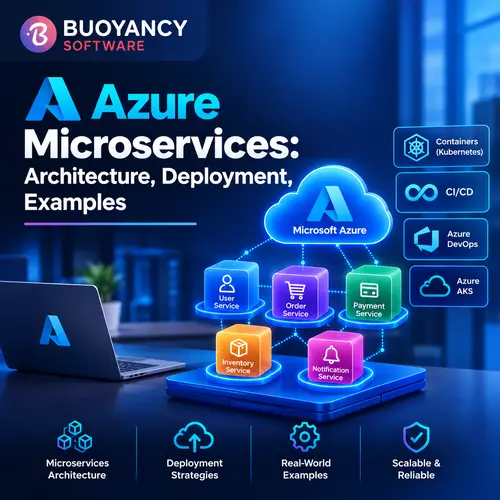
And it doesn’t have to be one or the other. A common enterprise layout puts the public web tier on App Service, keeps an older processing service on a VM, and connects both to Azure SQL Database and Azure Storage inside the same VNet. If your needs stretch past these two, say microservices or event-driven jobs, our Azure microservices architecture guide goes deeper, and Microsoft’s compute decision tree also covers Azure Container Apps, AKS, and Azure Functions.
Moving a .NET App Between the Two
Going from a VM to App Service is usually smoother than teams expect, as long as the app is a standard ASP.NET or ASP.NET Core web workload. The snags are predictable: Windows service dependencies, files written to local disk, registry access, and hard-coded paths. Clear those, move settings into app configuration or Azure Key Vault, and many apps land without drama.
The reverse trip, App Service to a VM, tends to happen when an app outgrows the platform or picks up a dependency that wants OS access. Either direction works with planning. Without a plan, it ends in a weekend outage.
Not Sure Which One Fits Your Application?
Hosting choices look tidy on a slide and messy against a real codebase, especially for enterprise application hosting on shared Azure cloud infrastructure. Buoyancy Software helps teams assess .NET applications, choose the right Azure hosting model, and handle the migration. If you need extra hands, you can hire dedicated Azure developers who’ve shipped on Azure before. And if the app needs rework before it moves, our custom application development services cover the build from architecture through deployment.
Get a Clear Azure Hosting Plan
The wrong hosting model costs real money, and fixing it later costs more. Our Azure and .NET specialists can review your application, weigh App Service against Virtual Machines for your actual requirements, and hand you a cost and performance recommendation you can act on. Book a Demo and leave with a plan that fits your budget and your roadmap.
Get answers to the most common questions about our products, services, and policies.
What is the main difference between Azure App Service and Azure Virtual Machines?
Azure App Service is a managed PaaS where Microsoft handles the operating system, patching, and much of the scaling, so you only manage your app. Azure Virtual Machines are IaaS, giving you full control over the OS and software but also full responsibility for maintaining it.
Is Azure App Service cheaper than a virtual machine?
Often, yes, once you include maintenance time. App Service bundles OS management and load balancing, and several apps can share one plan. A VM can cost less in raw compute, especially with reservations or Azure Hybrid Benefit, but patching, monitoring, and recovery work adds labor that App Service largely removes.
Which performs better, App Service or Virtual Machines?
Both run on Azure virtual machines, so baseline hardware is similar. App Service gives predictable performance for typical web apps with little tuning. Virtual Machines offer more ceiling for specialized needs such as GPUs, high-memory sizes, or OS-level tuning, but they require more expertise to configure well.
When should I choose Azure Virtual Machines over App Service?
Choose a VM when your application needs OS-level access, custom installed software, Windows services, specific hardware, or a lift-and-shift migration of a legacy system. If the app is a standard web app or API on a supported framework, App Service is usually the simpler starting point.
Is Azure App Service secure enough for enterprise applications?
Yes, for many enterprise workloads. App Service inherits Azure’s platform security and compliance certifications, supports VNet integration and private endpoints, and offers App Service Environment for single-tenant isolation. Your team is still responsible for application code, identity, and configuration. Review your compliance requirements before deciding.
Can I migrate a .NET application from a virtual machine to App Service?
Usually, if it’s a standard ASP.NET or ASP.NET Core web app. Check for dependencies on Windows services, local file storage, and registry access first, since App Service restricts host-level changes. An assessment before migration will show what needs to change and help you avoid surprises.