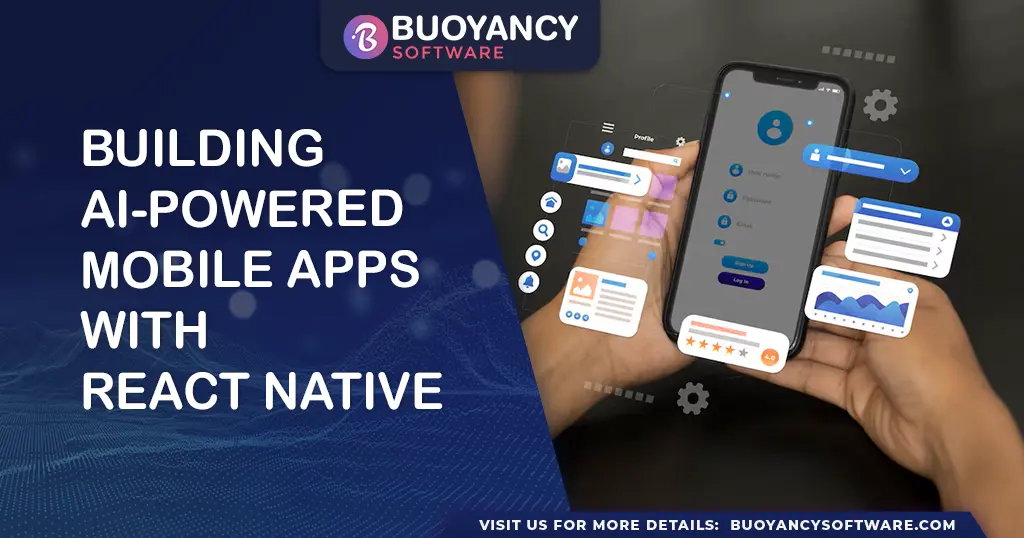
How to Build an AI-Based App with React Native: A Complete Guide
Introduction
Artificial Intelligence (AI) is transforming mobile app development, enabling apps to be smarter, more intuitive, and highly personalized. By integrating AI into React Native, you can build cross-platform mobile apps that analyze user behavior, process images, and even perform real-time object detection and natural language processing (NLP).
In this guide, we'll explore how to integrate AI into a React Native app using TensorFlow.js, covering everything from setting up your project to running AI-powered features.
Why Use AI in React Native Apps?
1. Cross-Platform Compatibility
React Native enables you to develop AI-driven apps that work seamlessly on both Android and iOS, reducing development time and cost.
2. Real-Time AI Processing
With tools like TensorFlow.js and pre-trained models, your app can perform real-time AI computations without relying on cloud servers.
3. Enhanced User Experience
AI-driven personalization helps create recommendation engines, image recognition tools, and chatbots, improving user engagement.
4. Efficient Performance
React Native's performance-optimized architecture ensures smooth AI model execution without lag.
Key AI Technologies for React Native Apps
- Machine Learning (ML): Enables systems to learn from data and improve without explicit programming.
- Deep Learning (DL): A subset of ML that mimics human brain patterns using neural networks.
- Natural Language Processing (NLP): Allows apps to understand and generate human-like text.
- Computer Vision: Enables apps to process and analyze visual data, such as face or object detection.
How to Build an AI-Based App with React Native
Step 1: Set Up Your React Native Project
Install React Native CLI and create a new project:
npx react-native init AIApp
cd AIApp
If you prefer Expo, use:
npx create-expo-app AIApp
Step 2: Install TensorFlow.js for AI Processing
TensorFlow.js enables AI-powered computations in React Native. Install it using:
npm install @tensorflow/tfjs @tensorflow/tfjs-react-native
Additionally, install react-native-fs and react-native-fetch-blob for file processing:
npm install react-native-fs react-native-fetch-blob
Step 3: Initialize TensorFlow.js
In your main file, import and initialize TensorFlow.js:
import * as tf from '@tensorflow/tfjs';
import '@tensorflow/tfjs-react-native';

async function loadTensorFlow() {
  await tf.ready();
  console.log('TensorFlow is ready!');
}

loadTensorFlow();
Step 4: Load a Pre-Trained AI Model
You can use COCO-SSD (for object detection) or any other AI model. Load it using:
import * as cocossd from '@tensorflow-models/coco-ssd';

async function loadModel() {
  const model = await cocossd.load();
  console.log('Model loaded successfully');
  return model;
}
Step 5: Capture and Process Images
Use the React Native Camera library to capture images for AI processing:
npm install react-native-camera
Then, integrate it into your app:
import { RNCamera } from 'react-native-camera';

<RNCamera
  style={{ flex: 1 }}
  type={RNCamera.Constants.Type.back}
  captureAudio={false}
/>;
Step 6: Perform Object Detection in Real-Time
Once an image is captured, pass it through the AI model for object detection:
async function detectObjects(model, imageTensor) {
  const predictions = await model.detect(imageTensor);
  console.log('Predictions:', predictions);

  predictions.forEach((prediction) => {
    console.log(
      `Detected: ${prediction.class} with ${Math.round(prediction.score * 100)}% confidence.`
    );
  });
}
Optimizing AI Performance in React Native
1. Use Lightweight Models
Choose efficient AI models like MobileNet or COCO-SSD instead of heavyweight models to ensure smooth performance.
2. Run AI Computations On-Device
Perform AI processing on the device using TensorFlow.js rather than cloud-based APIs to reduce latency.
3. Optimize Image Inputs
Resize and compress images before processing to avoid performance bottlenecks.
4. Use Background Threads for AI Processing
Run AI models in background threads to prevent UI lag using react-native-threads.
npm install react-native-threads
Use Cases of AI in React Native Apps
- Facial Recognition: AI-powered authentication and security.
- Object Detection: Identifying objects in real-time camera feeds.
- Chatbots & Virtual Assistants: NLP-based conversational AI.
- Personalized Recommendations: AI-driven product and content suggestions.
- Speech-to-Text & Language Translation: Enhancing accessibility features.
Final Thoughts
AI integration in React Native is opening new possibilities in mobile app development. With libraries like TensorFlow.js, you can build intelligent apps capable of image recognition, speech processing, and real-time object detection. By following the steps in this guide, you can create AI-powered mobile applications that deliver personalized and data-driven experiences.
Start experimenting today and take your app development to the next level!
Key Takeaways
Microsoft Solution Partner
ISO Certified Processes
Secure Cloud Development
Experienced Team
Global Client Experience
Frequently Asked
Questions
Get answers to the most common questions
about our products, services, and policies.
Can React Native apps run AI models on-device?
Yes, React Native apps can run AI models on-device using frameworks like TensorFlow.js and dedicated native bridges for mobile performance.
What AI libraries work best with React Native?
TensorFlow.js, @tensorflow-models/coco-ssd, and React Native Camera are popular choices for building AI-powered React Native applications.
How do I optimize AI performance in React Native?
Optimize AI performance by using lightweight models, resizing images, running workloads on-device, and executing AI logic in background threads.
What are common AI use cases for mobile apps?
Common mobile AI use cases include object detection, facial recognition, chatbots, personalized recommendations, and speech-to-text services.
Do AI React Native apps need cloud services?
React Native AI apps can run entirely on-device for latency-sensitive tasks, while cloud services may be used for heavier model training or data storage.
The SaaS AI Frontier: Strategic Opportunities and Architectural Challenges
Operational Excellence: The Strategic Impact of Custom ERP in Modern Manufacturing